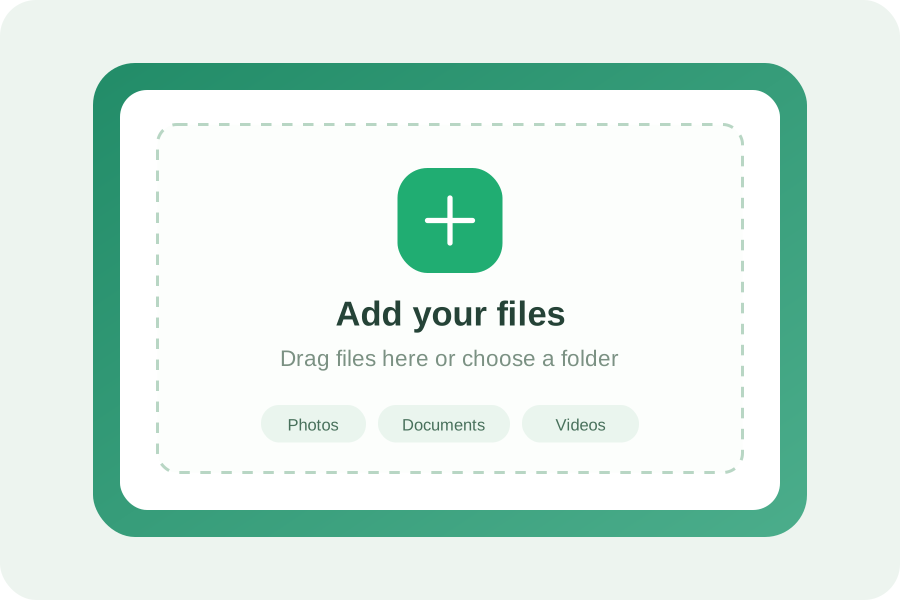
Add your files
Check that your delivery contains the right version. Give the folder a useful name and include any notes the next person will need.

Your files. Your space.
Welcome to NextTransfer.
Sign in to your account to continue
using the service.
Contact the service administrator to get access.
Leave your email address below to make a request.
The final export. The full shoot. The project folder everyone is waiting for. Give your next delivery a dedicated space, instead of squeezing it into another email.
NextTransfer requires an administrator-approved account. The service concept covers large deliveries, temporary availability and controlled sharing. Sign in above or request access.
Add files, choose delivery settings and share a link. This is the proposed transfer workflow; this access page does not upload files.
Check that your delivery contains the right version. Give the folder a useful name and include any notes the next person will need.
Plan the expiry date, a delivery password and a download limit. These controls belong in the transfer workspace after sign-in.
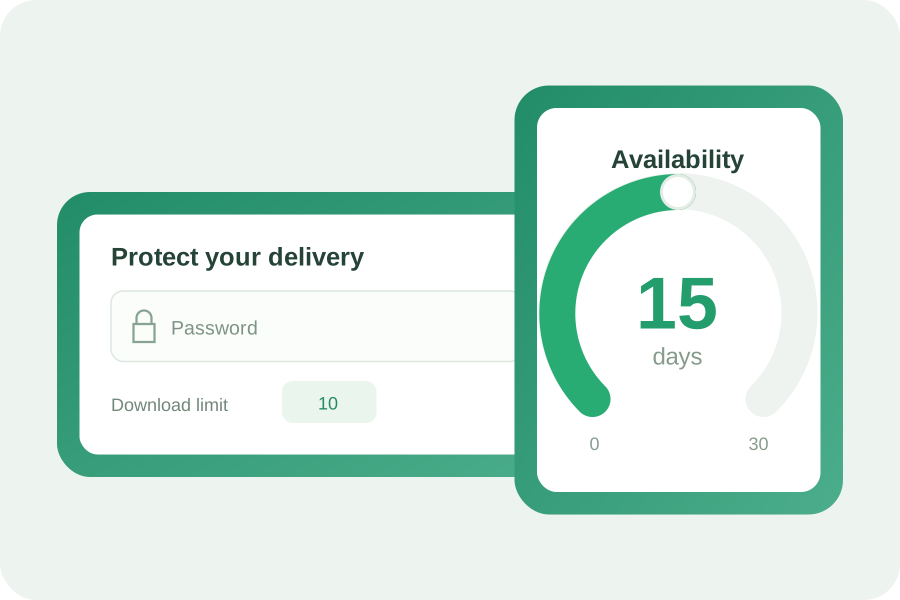
A delivery link can be shared in a message or an email. Add a short note so the recipient knows what the collection contains.
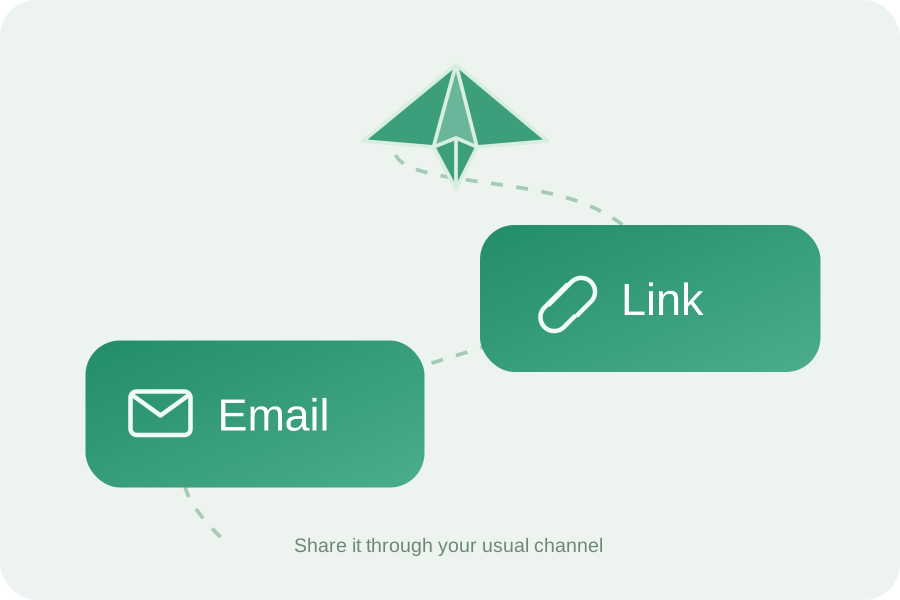

Make sure everyone involved has the access they need before a deadline. For account assistance, contact the service administrator. An account is required to use NextTransfer.
Some deliveries are a collection, not a single document. A film project might include a master, subtitles, artwork and a review copy. Keeping them together makes the handoff easier to understand.
Use email for the conversation and a dedicated sharing workflow for the delivery. A short message with a descriptive project name can save a long exchange about which file is the latest.


Keep source material separate from approved exports. Use recognisable names, include a readme when the folder structure matters and make it obvious which file should be opened first.
An archive can preserve a complex directory structure. Before a delivery, open the archive yourself and check that it includes the resources, fonts or linked assets the recipient needs.

Keep an independent copy of important work, even after you share it. Make time for the recipient to check the delivery and confirm that everything is present.
The transfer concept includes a window of up to 30 days, after which a delivery expires. Confirm the actual retention settings with your administrator and keep your original files.
A few simple checks help keep a delivery focused on the right people.
A delivery password adds a separate access check. Share it through a different channel from the file link. Keep your account password private.
A download limit can restrict how many times a delivery is retrieved. Review the intended audience before sharing and remove internal drafts.
Agree on a review deadline and confirm receipt. Short, explicit handoff periods make it easier to track what is still in progress.
Protection is needed both while data travels and while it is stored. Confirm the service encryption policy with your administrator before sending sensitive material.
Different projects have different requirements. Client contracts may specify where material can be stored, who can access it and when it must be removed.
Ask your administrator for the storage location, data-handling policy and approved use cases for your NextTransfer workspace.


Keeping temporary copies for less time can reduce storage needs. Share a focused delivery rather than repeatedly attaching the same large collection to a conversation.
Infrastructure matters too. Ask the operator about electricity sources, cooling and retention policies. No specific energy certification is claimed for NextTransfer.
A client, a colleague, a classroom or someone close to you.

Keep selects, edits and delivery notes together, so a client knows exactly where to begin.

Hand off a campaign with a clear distinction between review assets and approved artwork.

Package drawings with their revision numbers and the supporting documents for the review.

Bring the material for a meeting, a proposal or a supplier handoff into one organised collection.

Keep course material and shared resources clearly named for the people who will use them.

Give your own photo collections, recordings and creative work the same care as a professional delivery.
You need an account approved by the service administrator. Use the access request form at the top of this page, or contact your administrator directly.
This concept describes a 50 GB transfer limit. Actual account limits must be confirmed by the administrator; this page does not accept uploads.
Check the contents, give the delivery a clear name and remove unnecessary drafts. Keep a separate original copy.
Yes. An account is required to use NextTransfer. Access is provided by the service administrator.
The concept includes a maximum delivery window of 30 days. The administrator must confirm the settings of the actual service. Keep a separate backup.
Include the agreed export format and version in the filename. Add a review copy separately if the recipient needs one.
Yes. A ZIP archive can help preserve a folder structure. Check that all linked resources are included before sharing.
Use a unique password for your account and never include account credentials in a shared folder. Ask the administrator for account support.
Ask the administrator for the technical security policy before transferring confidential work. This page does not implement file transfers.
Storage arrangements should be confirmed with the administrator. No files are uploaded or stored through this page.
Check the applicable data policy with your administrator. This access page does not collect files or retain form entries.
This page works in a web browser on a computer, phone or tablet. No NextTransfer mobile app is linked here.
The page is browser-based. Ask your administrator about any account, organisation or regional restrictions.
No. Maintain a separate backup and an organised archive for material you need to keep.
After checking the email format, the page requests an availability message from the server. Your email address is not included in that request or saved by this page.
This is the requested access-page demonstration. Sign-in always returns an error and does not transmit or store your password.
An account is required. Contact the service administrator to get started.
Request access ↗